How to Print Little Pattern Adventures on US Letter or A4 Paper
Printing Little Pattern Adventures at home? The PDF is sized for US Letter (8.5 × 11 inches). If you have A4 paper, use “Fit” or “Fit to printable area” in your PDF viewer. Either way, check the preview and print one test page before using more paper.
You don’t need to print the whole file at once. Pick one page to try with your child, and use the steps below to keep the words and shapes inside the printable area. Printer menus may use slightly different names.
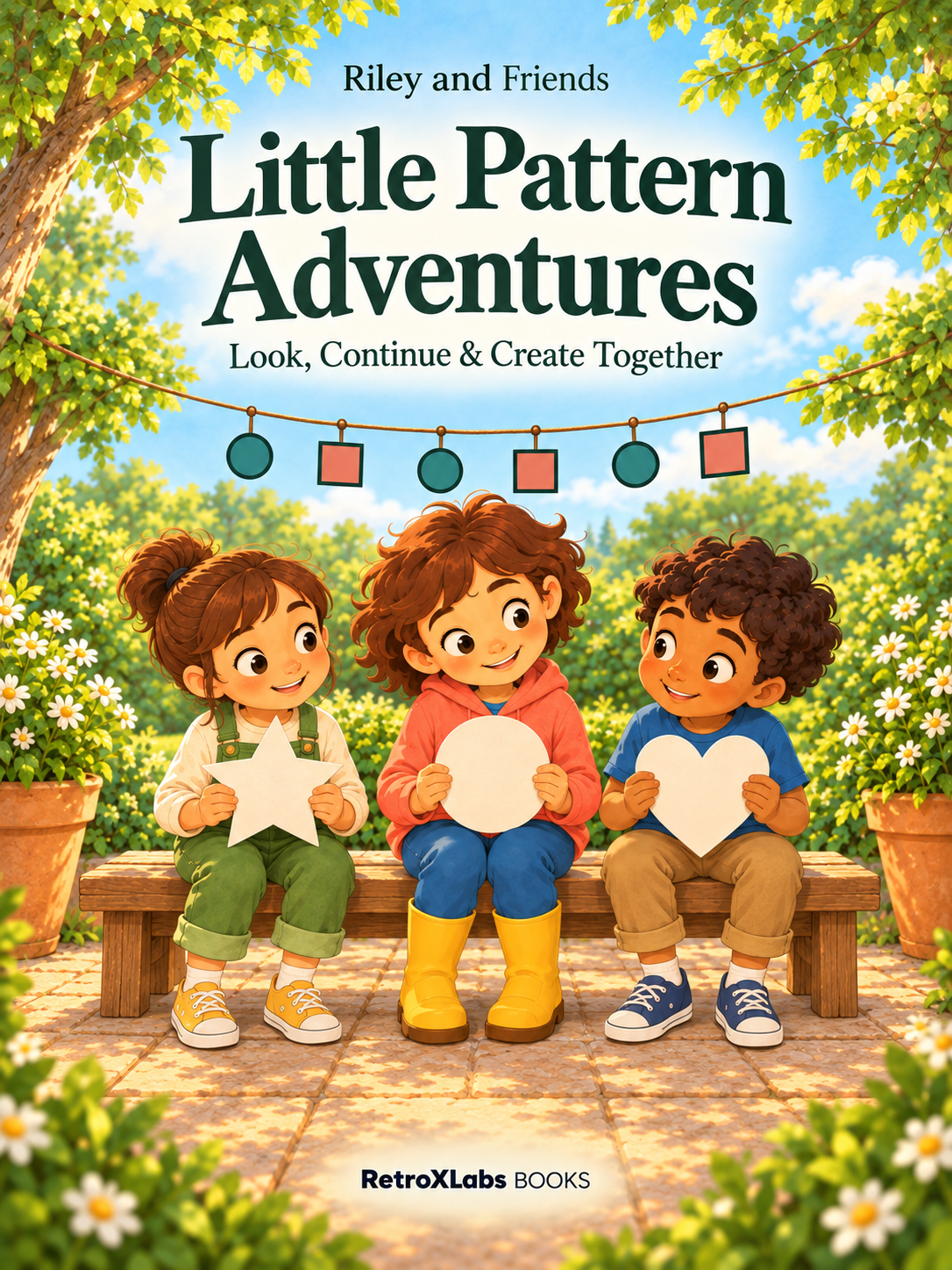
Start with the free preview
Open the free 6-page preview and test one page with your printer.
The preview contains six actual sample pages. Open it in a PDF viewer that offers a print preview. Choose a page you would like to use and check its position in the viewer. The page number printed on the artwork may differ from the PDF viewer’s page number, especially in a sample file.
Use the number shown by the viewer when entering a page range. Check the selected thumbnail before printing so you do not accidentally print a cover instead of the activity you wanted.
Set the paper size and scaling
If your printer has US Letter paper
Select US Letter, 8.5 × 11 inches, in the print settings. Check the orientation against the page preview. An “Actual size” or “100%” option keeps the page at its original size, but the result still depends on your printer’s margins. If the preview cuts off content, try “Fit” or the equivalent option in your viewer.
If your printer has A4 paper
Select A4 as the paper size and choose “Fit,” “Fit to printable area,” or your viewer’s equivalent. A4 and US Letter have different proportions, so fitting may slightly reduce the page and leave white margins. Check that the heading, activity area, and bottom text are all visible.
Do not choose a borderless setting just to remove margins. Start with the normal paper setting and a complete page preview. A printer that cannot print to the edge may crop content when scaling is wrong.
Print one page and check it together
Start with one page, one copy, printed on one side. Check that the directions are easy to read and the shapes aren’t cut off—including any space for tracing, drawing, or coloring.
If you choose grayscale to reduce color printing, examine the test page before continuing. Colors that look different on a screen may look similar in gray. Where an activity uses color as a cue, make sure the printed version remains understandable or choose a different setting.
If text or shapes are cut off
If something is cut off, check that the PDF viewer and printer both match the paper in the tray. Switch from “Actual size” to “Fit” if needed, then preview and print the same test page again.
If the preview looks fine but the printed page is still clipped, look for a separate paper-size or margin setting in your printer’s menu.
Choose one activity for today
Once the test looks right, print only the pages you plan to use. You might begin with a story page and one activity, or choose a coloring page together. There is no need to finish every page in one sitting.
For a simple way to explore a shape activity after printing, read What Comes Next? Printable Pattern Activities for Ages 4–6. For the distinction between the preview and the full file, use the sample and full-book guide.
The full Little Pattern Adventures book contains 42 pages and is currently listed at USD 6.99. It is a digital PDF; no physical book is shipped.


Comments
Post a Comment